Robotics · Digital fabrication · Human–animal interaction
Cat Litter
Robot
Two prototypes developed across two years: first to automate a physical task safely, then to explore how an everyday home robot could support animal well-being through sensing and data.
- 2022–2023Two-year development
- 2 prototypesMechanics to sensing
- Aalto FablabDesigned and fabricated
From a daily chore to a robotics research question.
After living with cats for seven years, I wanted to explore whether a litter box could clean itself without compromising safety. The project became an iterative study in mechanical movement, sensing, fabrication, embedded control, computer vision, and interaction design.
The first prototype focused on reliable physical automation. The second asked a wider question: could the same robot observe changes in cat waste and turn them into understandable health records? Version 2 is an experimental prototype, not a medical diagnostic device.
Version 1 · 2022
Safe automated cleaning
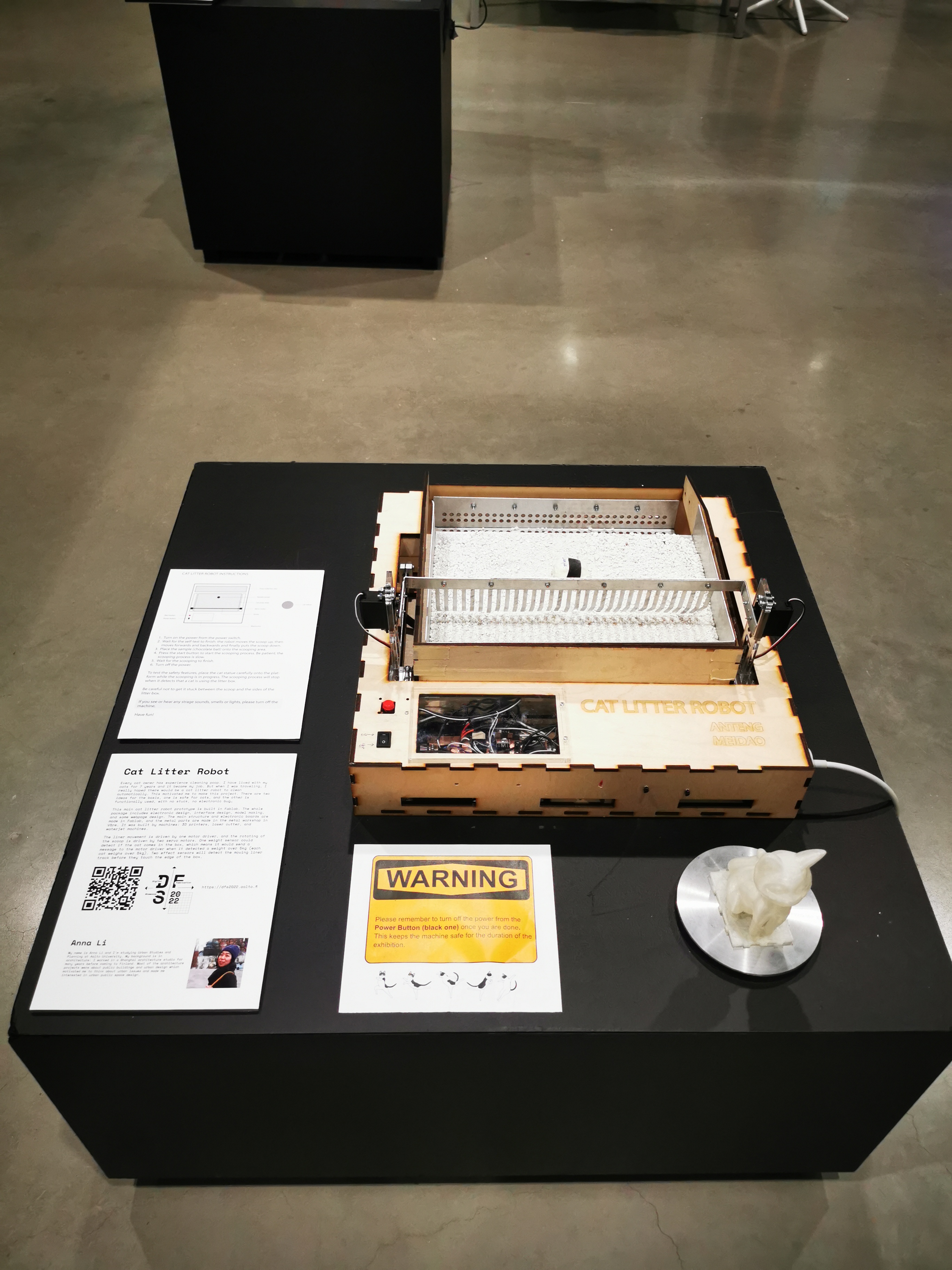
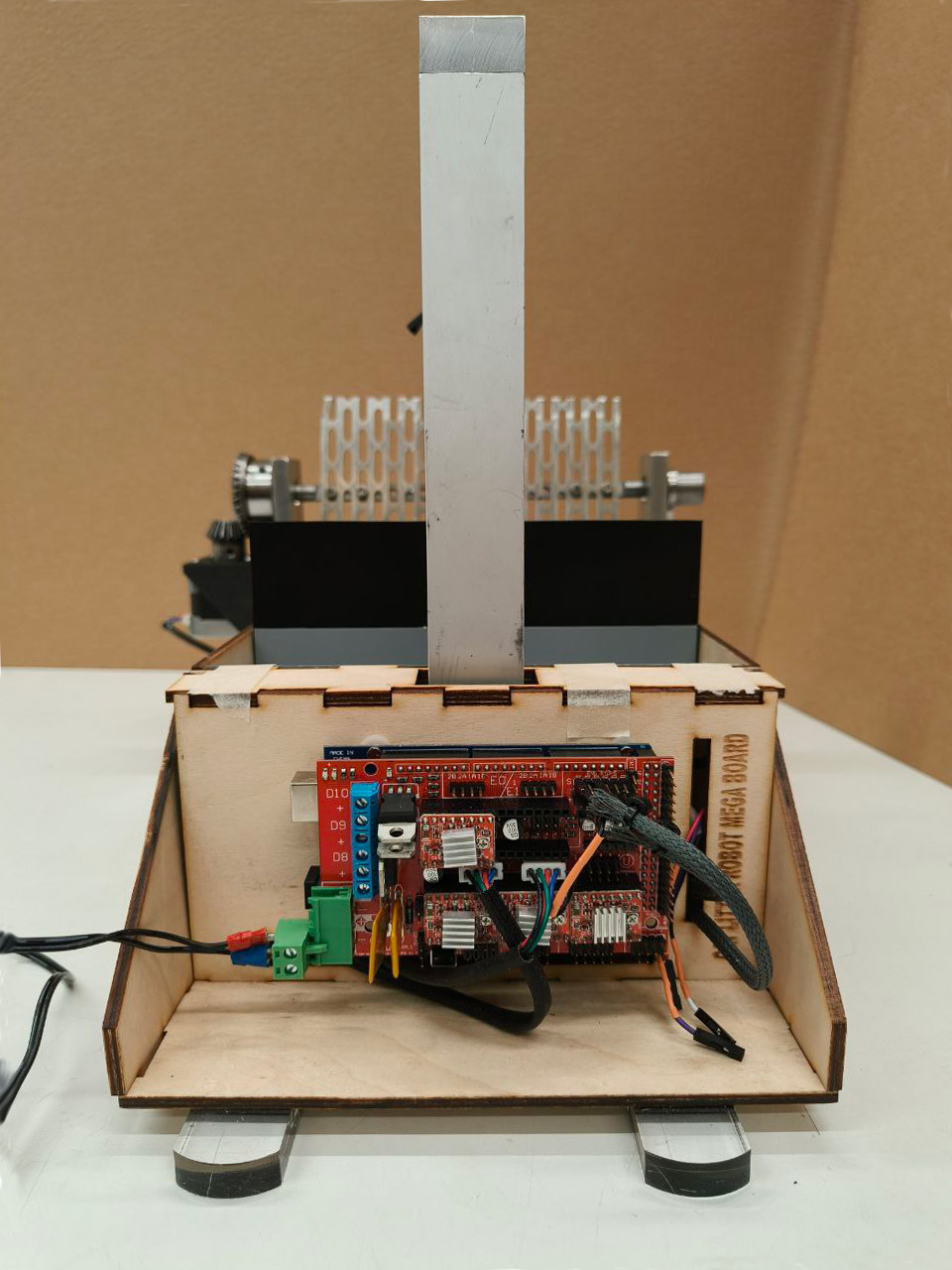
The first version tested the complete physical cleaning cycle: moving the litter-box liner, rotating a scoop, detecting a cat, and stopping movement before the mechanism reaches its limits.
How it works
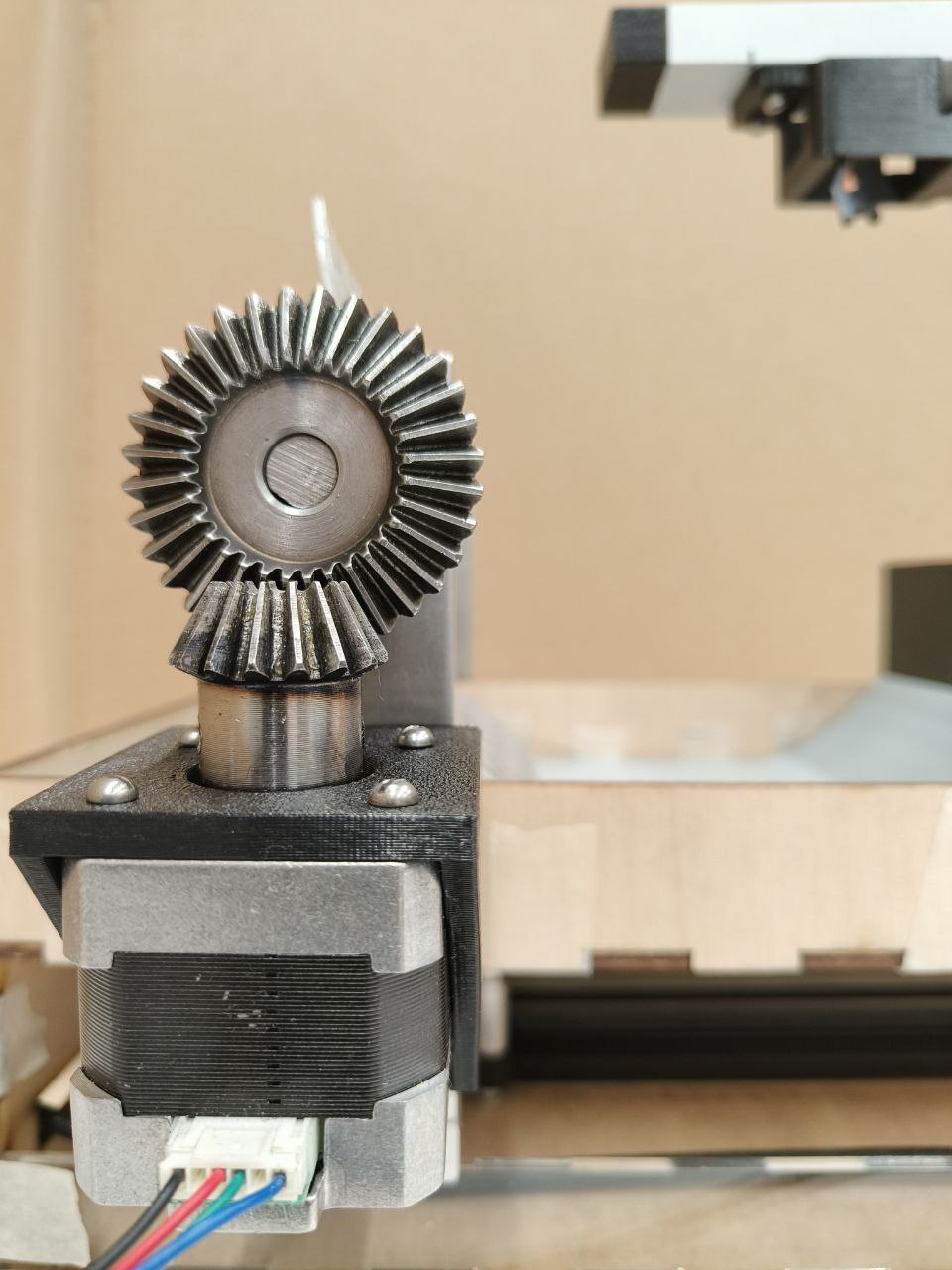
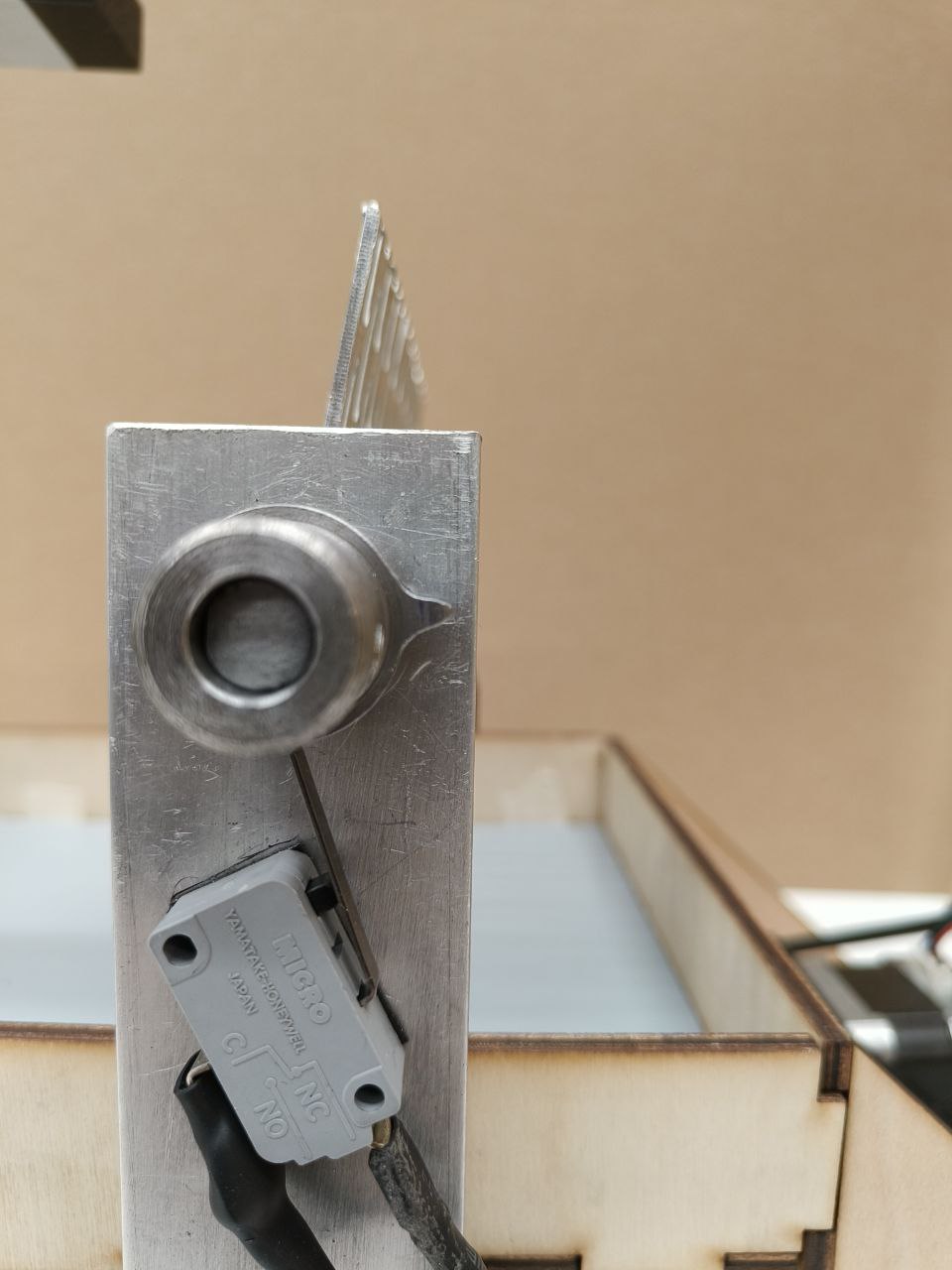
A motor-driven liner moves waste toward a rotating scoop. Two servo motors control the scoop. A weight sensor prevents operation when a cat is present, while limit sensors supervise the liner’s travel.
- Motion
- Motor-driven liner and twin-servo scoop
- Safety
- Weight sensing and movement limits
- Control
- Custom electronics and programmed sequence
- Making
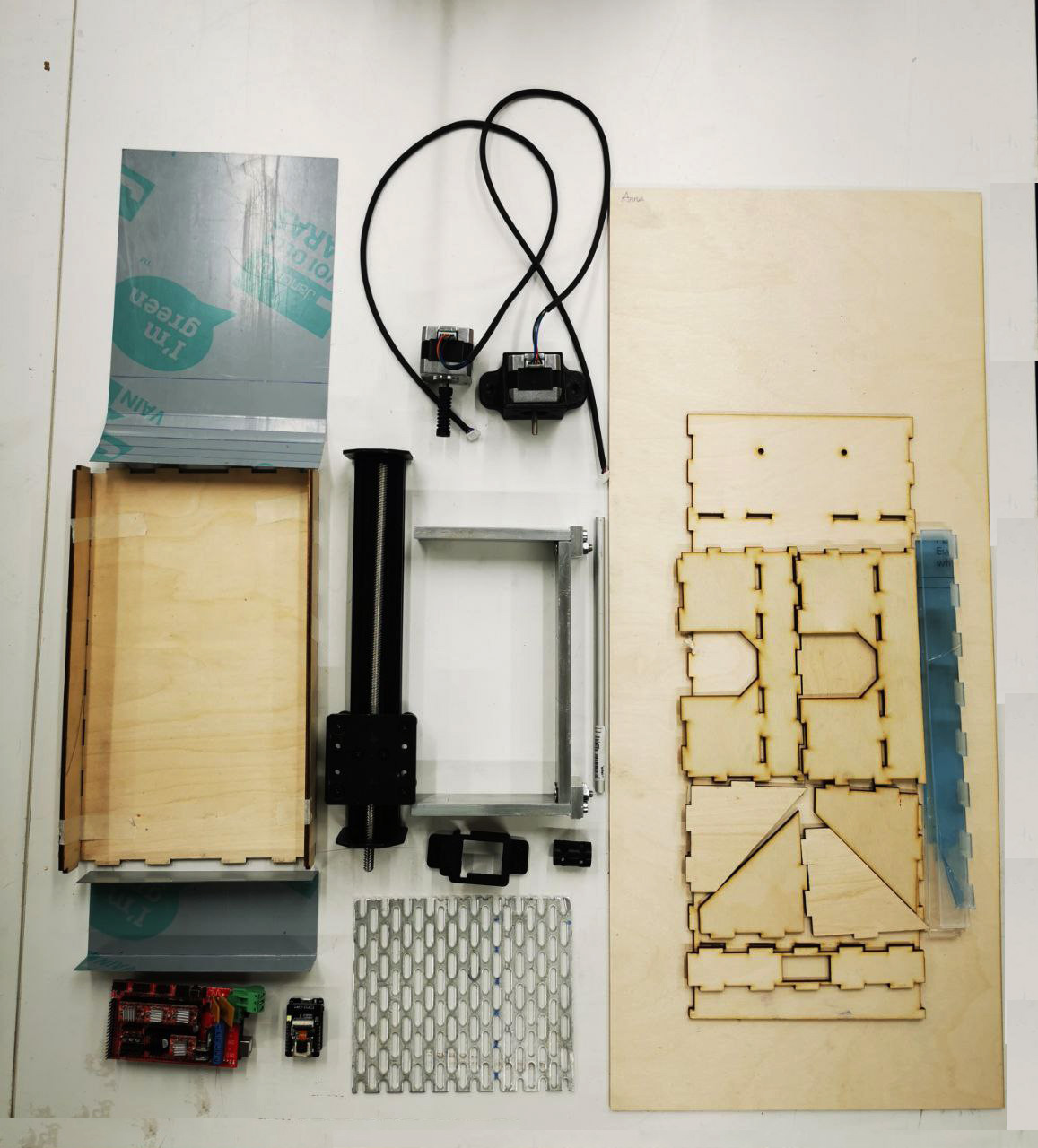
- Laser cutting, 3D printing, waterjet cutting, assembly
Prototype in motion
Version 1 demonstrations
Version 2 · 2023
From cleaning to observation
Version 2—Know Your Cat—extended the mechanism with an ESP32-CAM and a data interface, testing whether a small home robot could turn visual observations into a simple cat-health history.
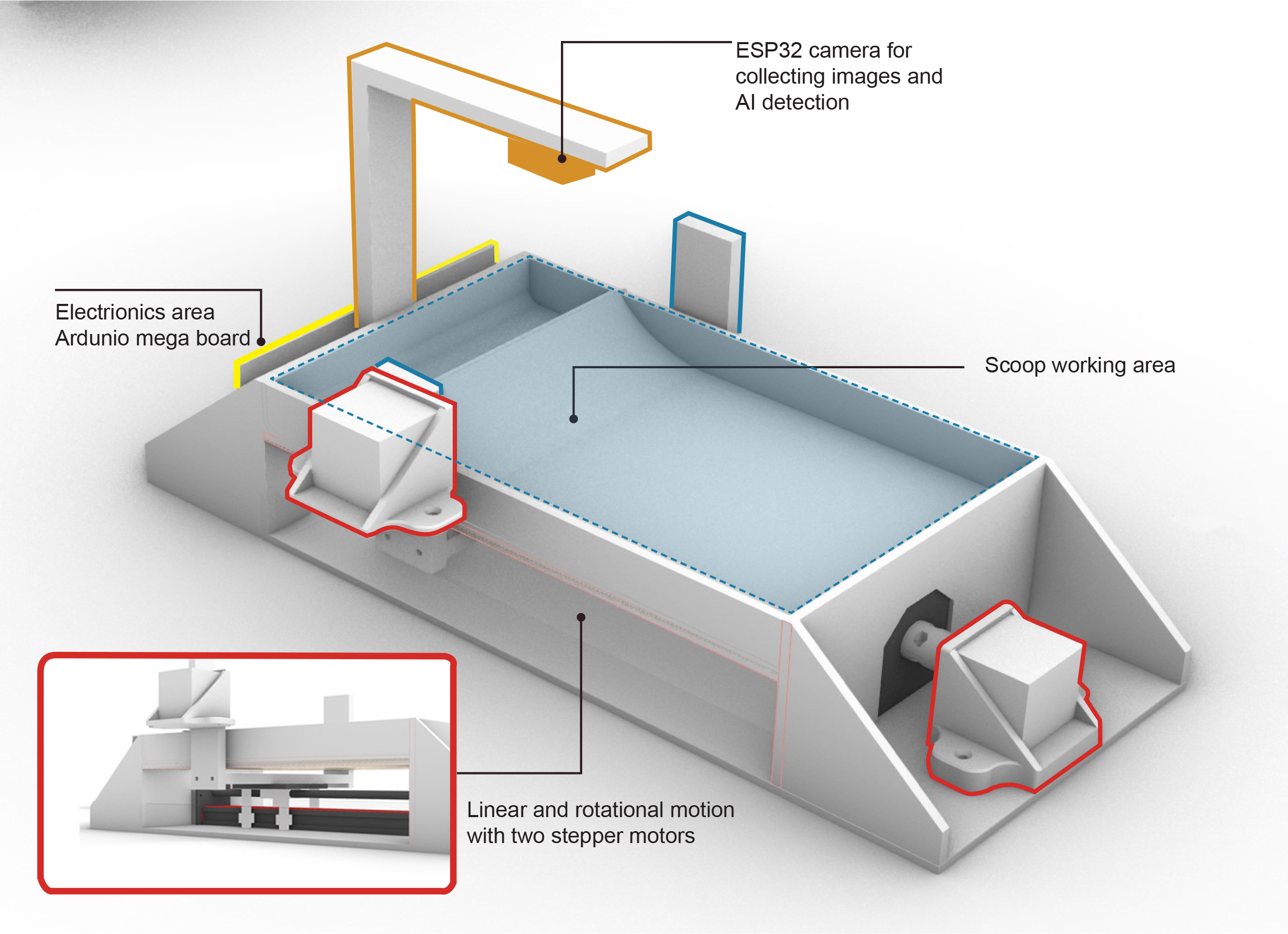
Experimental data pipeline
- 01Capture
ESP32-CAM photographs the sample.
- 02Classify
TinyML tests image recognition on the device.
- 03Record
Google Scripts sends results to Google Sheets.
- 04Understand
An ongoing Godot interface explores how records can become a readable health calendar.
Exhibition interaction
Visitors selected a “good” or “bad” sample, placed it in the working area, and started the cycle. The machine swept, photographed, and collected the sample before the visitor checked the result in the Godot application or Google Sheets.
- Vision
- ESP32-CAM and TinyML experiments
- Data
- Google Scripts and Google Sheets
- Interface
- Godot cat-health calendar prototype · ongoing
- Safety
- Exhibition emergency-stop control
Exhibition demonstration
Cat Litter Robot 2.0
The video shows the physical prototype and its automated cycle. The exposed structure keeps the movement, sensing, and electronics visible for discussion and testing.
View the 2023 Digital Fabrication Showcase ↗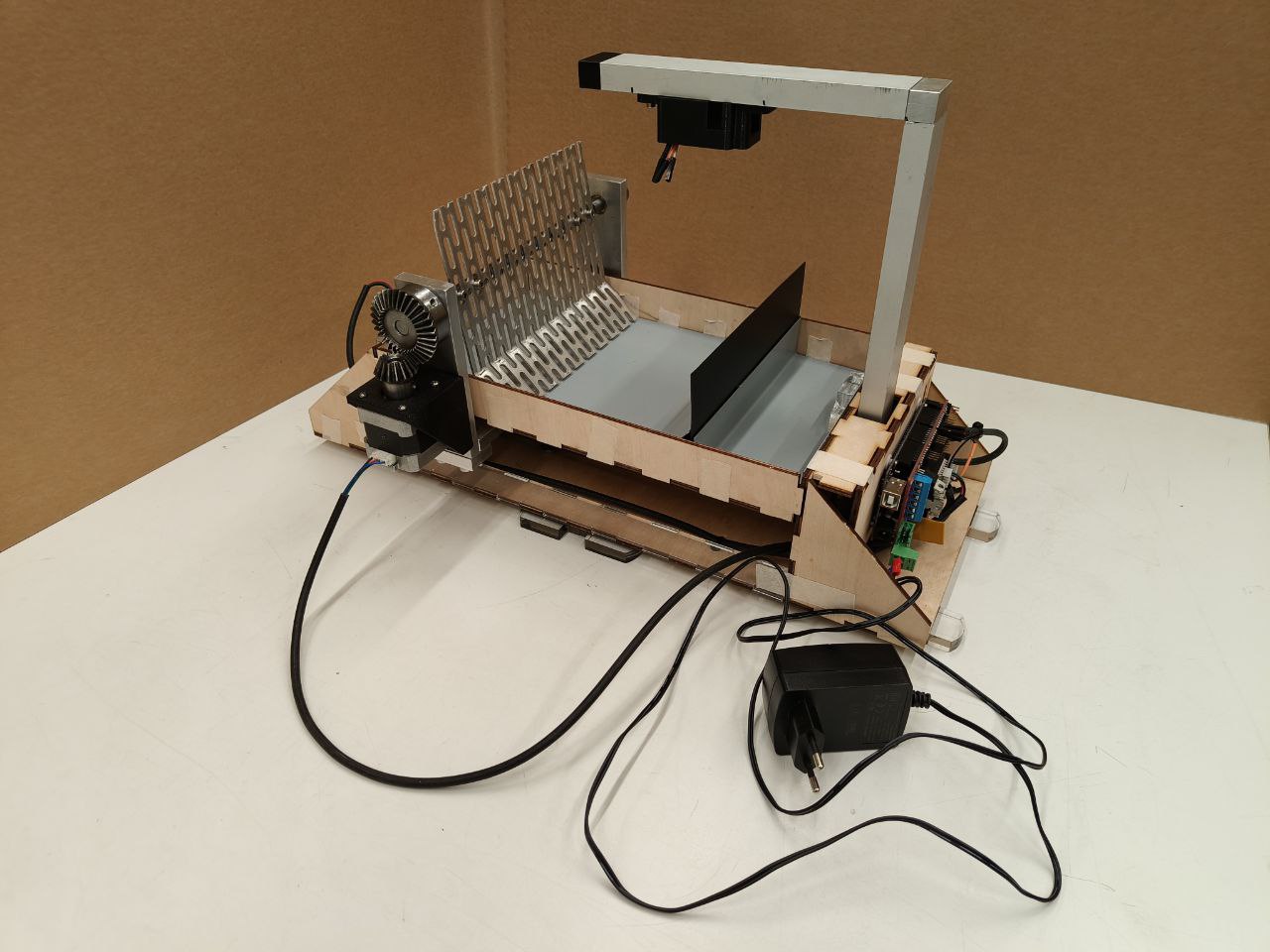
Mobile interface concept
OngoingFrom scan result to an understandable record
The exhibition instructions offered two ways to check a scan: a QR code opened the ESP32-CAM record in Google Sheets, while the Godot application explored a more reader-friendly Cat Poop Calendar. In the Godot flow, the user selects Start, chooses Information, and taps a date to review the recorded result.
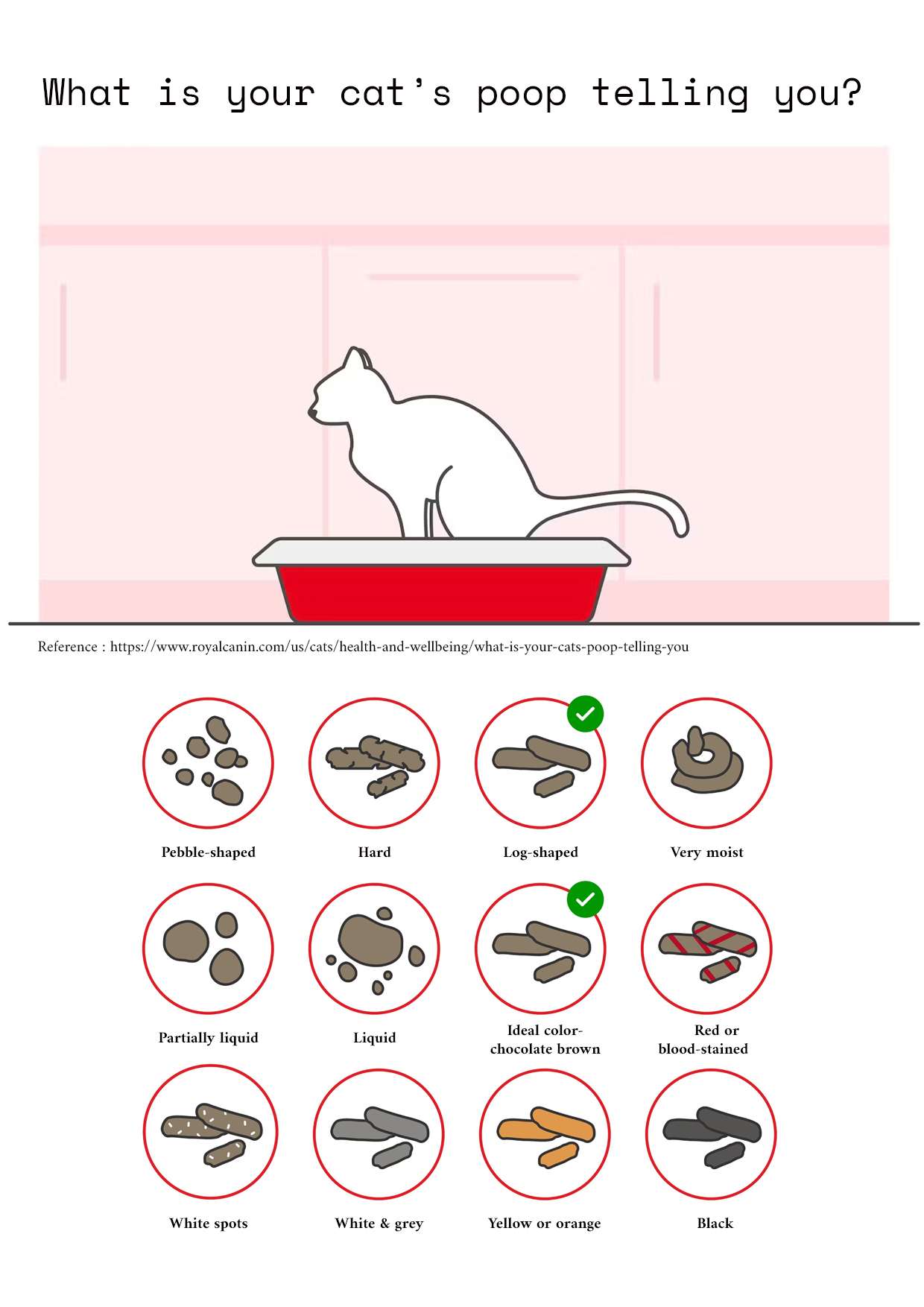
The interface is intended to translate the scan into a simple description of shape and colour. The visual guide below provides context for that observation. This is an experimental information tool, not a medical diagnosis.
- 01Open
Launch the Godot application after the scan is recorded.
- 02Navigate
Select Start, then Information.
- 03Review
Tap the calendar icon and choose a date.
- 04Interpret
Read the scan summary and compare it with the guide.
- Shape
- Log-shaped
- Colour
- Chocolate brown
✓ Typical observation
Interaction and information design
What is your cat’s poop telling you?
After selecting a date in the Godot application, the reader can use this diagram to understand the recorded shape and colour. I drew the visual categories used to communicate different waste conditions. The cat-and-litter-box image at the top was used as a reference from Royal Canin; the remaining illustrations and layout are my own work.
Reference source: Royal Canin, “What is your cat’s poop telling you?” ↗

About the maker
Anna Li
Architect · Urbanist · Maker
My background connects architecture and urban studies with digital fabrication and hands-on prototyping. I am interested in opportunities to develop this work further through study, research, or collaboration in urban robotics, service robotics, human–robot interaction, and technology for everyday well-being.